
Google Gemini has introduced a powerful feature called Canvas, and it’s not just another chat interface. Canvas is a dedicated collaborative workspace where users and AI can work together on the same project in real time. For writers, developers, marketers, and professionals, this feature completely changes how work gets done.
Instead of jumping between multiple tools, copying responses, or rewriting entire drafts, Gemini Canvas lets you create, edit, and refine content in a single, seamless environment.
What Can You Create with Google Gemini Canvas?
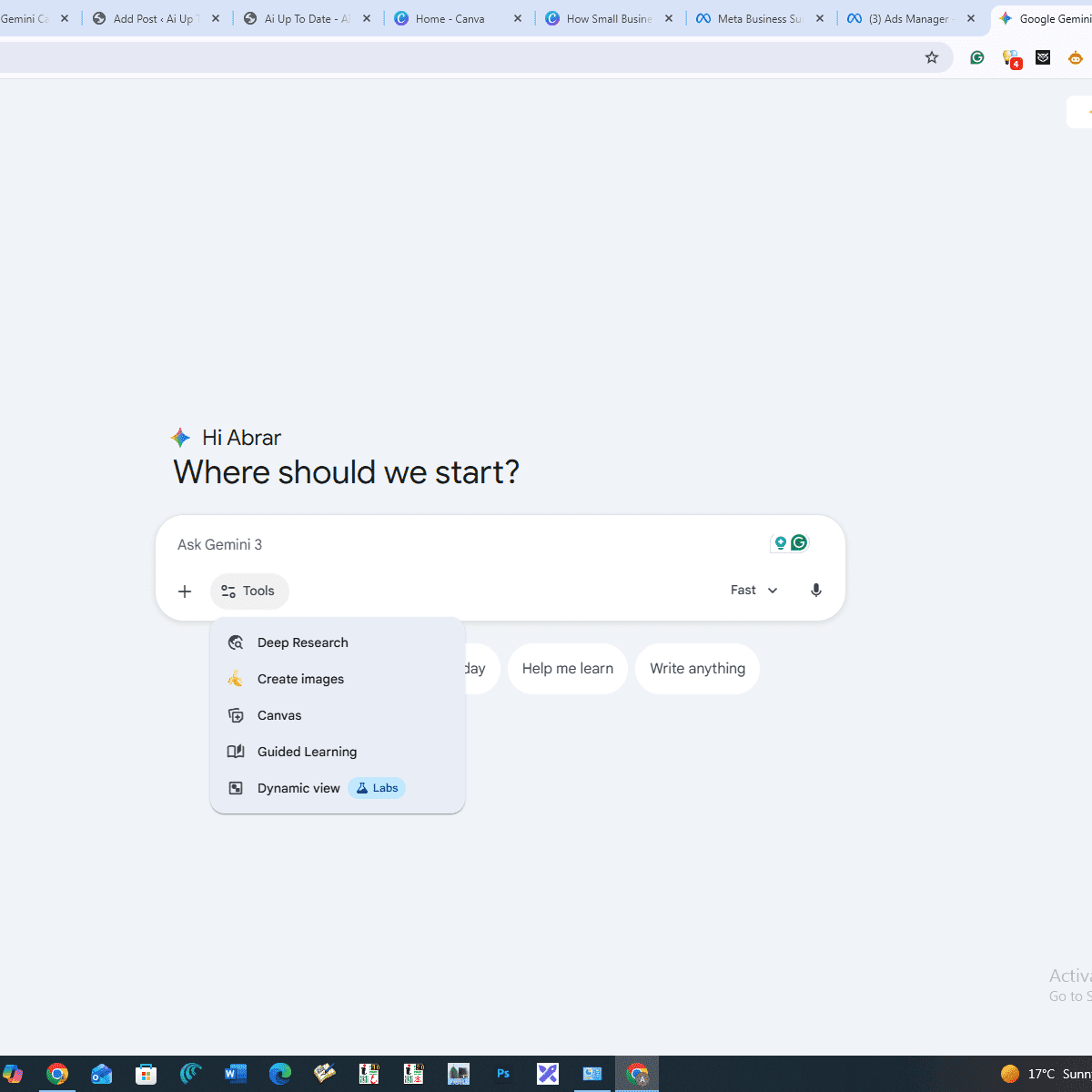
The Canvas feature opens a new window where ideas turn into structured, polished output. Here’s what you can build using Canvas:
Long-Form Articles and Blogs
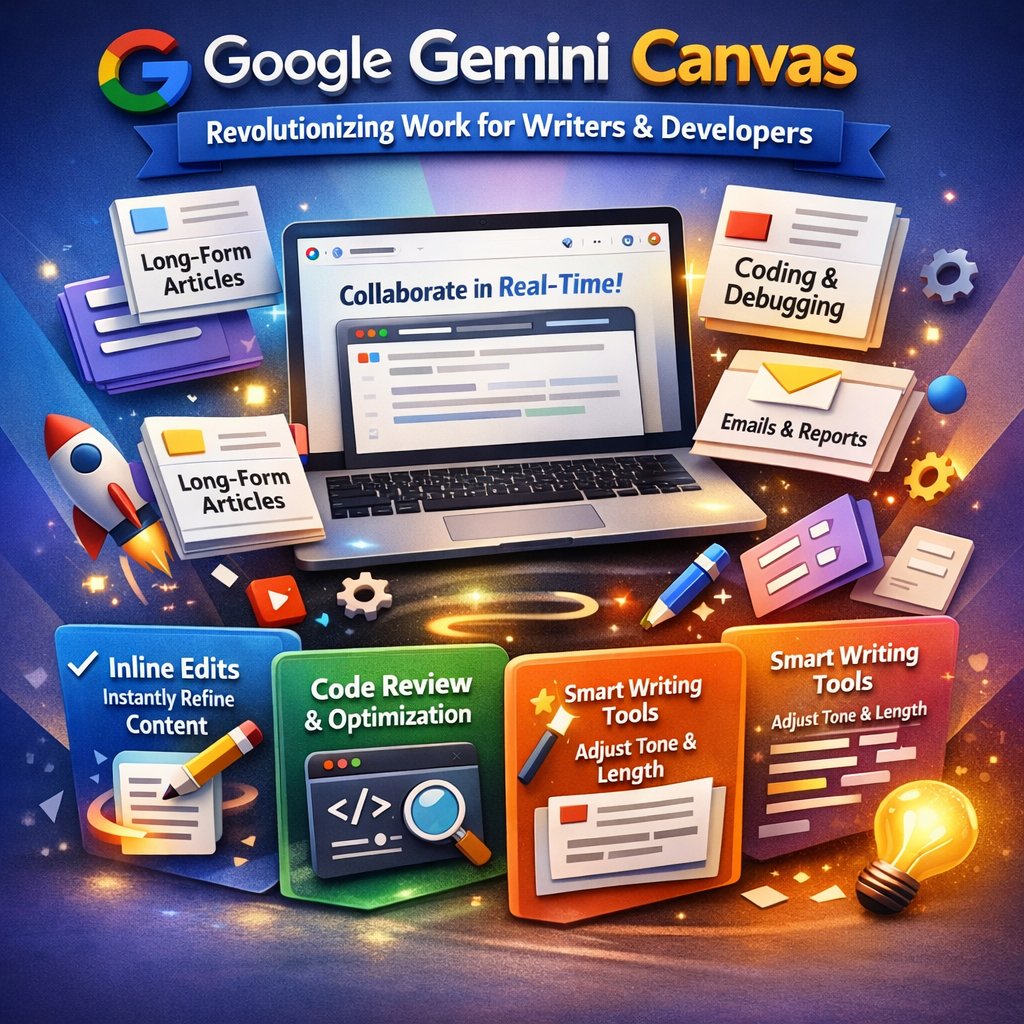
Canvas is ideal for writing detailed blog posts and in-depth articles. You can generate content, refine sections, improve flow, and edit paragraphs directly without starting over.
Programming and Code Development
For developers, Canvas supports writing complete code, debugging errors, and even converting code into different programming languages such as Python or JavaScript. It’s like having a smart coding partner by your side.
Emails, Reports, and Documents
Whether it’s a professional email or a detailed business report, Canvas provides a clean space to format, rewrite, and enhance your documents with clarity and precision.
Creative Writing and Scripts
From story outlines to full scripts, Canvas allows you to shape your creative ideas while making edits exactly where needed—without disrupting the rest of your work.
Key Benefits of the Gemini Canvas Feature
The biggest advantage of Canvas is efficiency. It removes unnecessary steps and lets you focus purely on quality and creativity.
Inline Editing
Unlike regular chat responses, Canvas allows direct editing inside the workspace. You can change words, sentences, or entire sections without copying content elsewhere.
Smart Writing Assistance
Canvas includes built-in tools that let you instantly:
- Expand or shorten text
- Adjust tone (professional, friendly, neutral)
- Improve clarity and readability
All with a single click.
Code Review and Optimization
For programmers, Canvas can analyze your entire codebase and suggest improvements, making your code cleaner, faster, and more efficient.
Clean and Structured Formatting
With headings, bullet points, and structured layout options, Canvas helps you create content that looks polished and easy to read—perfect for blogs and documentation.
How Does Canvas Make Work Easier?
In traditional AI chat systems, even small changes require regenerating the entire response. Canvas works differently. You simply select the specific section you want to modify, and Gemini improves only that part. This saves time, maintains consistency, and delivers a more refined final result.
https://whatsapp.com/channel/0029VbBgCi6ATRStP1E82R3u
Final Thoughts
If you’ve only been using Google Gemini for simple Q&A, you’re missing its real potential. Canvas transforms Gemini into a complete productivity and creation tool, helping you work faster, smarter, and more professionally.
Whether you’re a content creator, developer, or business professional, Gemini Canvas can significantly upgrade your workflow and output quality.
Would you like to learn the hidden Canvas shortcuts that can turn an ordinary draft into a professional-level document within minutes?
